
01
Ready
Assign
From the office, define what needs to be done, where, when and by whom.
Field service management for technicians and installers
Working Day Suite connects your installers, technicians and maintenance teams with the office, so you know what work they are doing, where they are, how long it takes and whether it is finished.
The suite for companies that get things done in the field.
The real problem
When information is scattered across WhatsApp, calls, paper, Excel and loose photos, the office spends hours reconstructing what has already happened in the field.
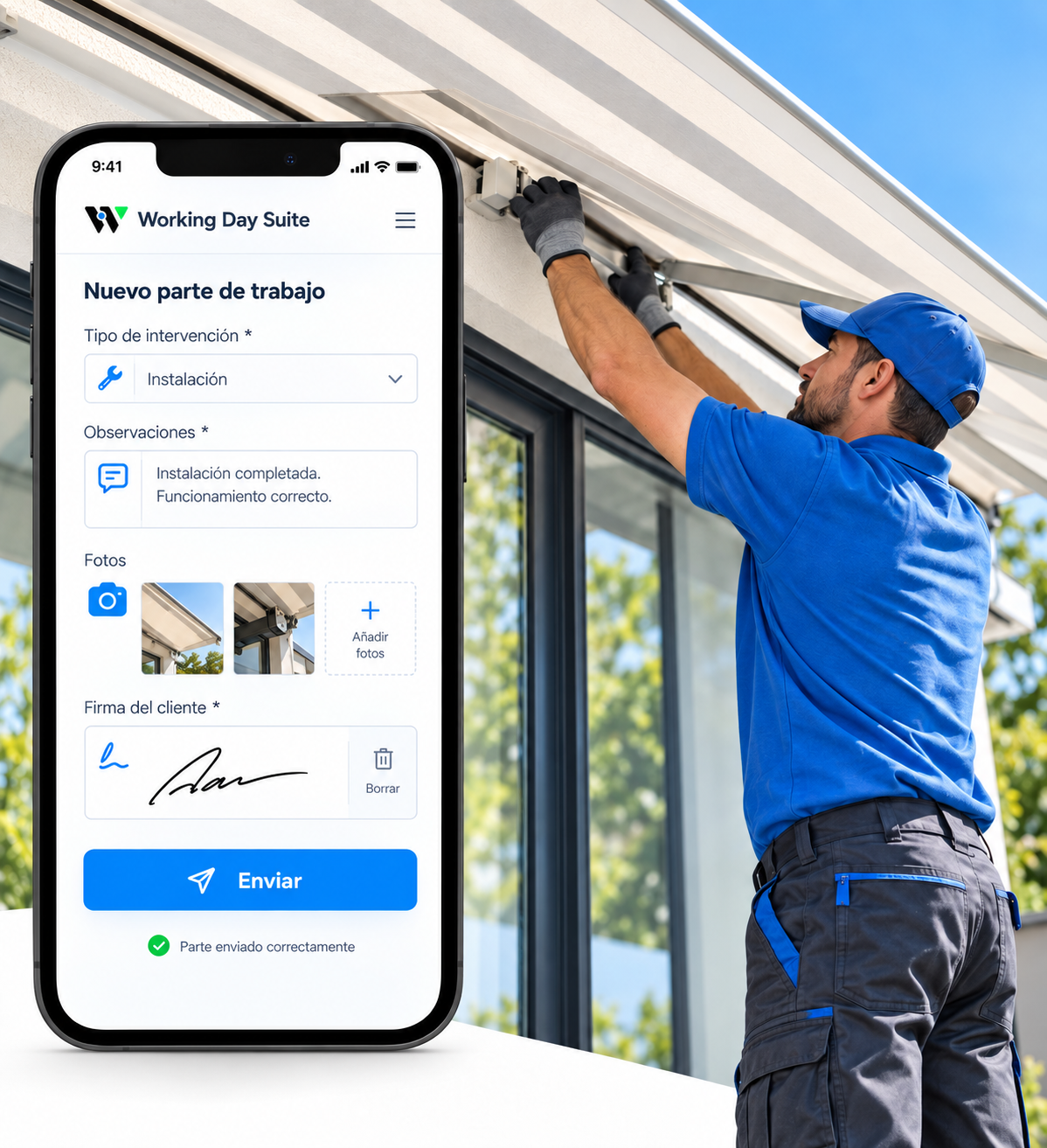
Is it finished or is something still pending?
Where are the photos and the customer signature?
How many hours were spent?
How it works
From the office, define what needs to be done, where, when and by whom.
They receive everything on their mobile and record photos, times, issues, materials and comments.
Information is organised and available instantly, without chasing the team.
Office + field
The office and field team share the same information within one workflow.
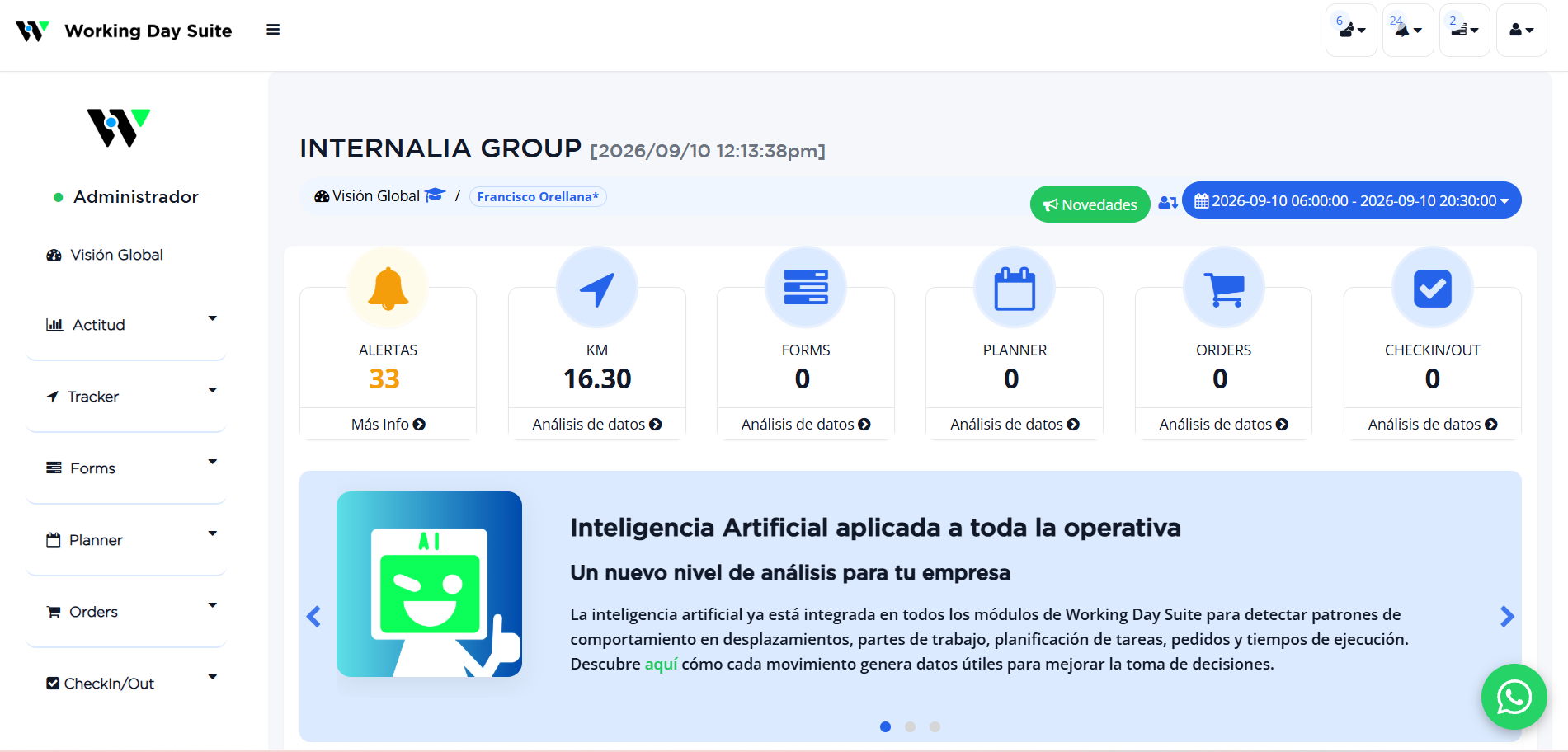
Office dashboard
Check tasks, ongoing services, completed work, work orders, documentation and team activity from one place.
Digital work orders
Forms adapt to your operation. Each technician records exactly the information you need from their mobile.
Goodbye to paperwork. From mobile to dashboard, instantly.
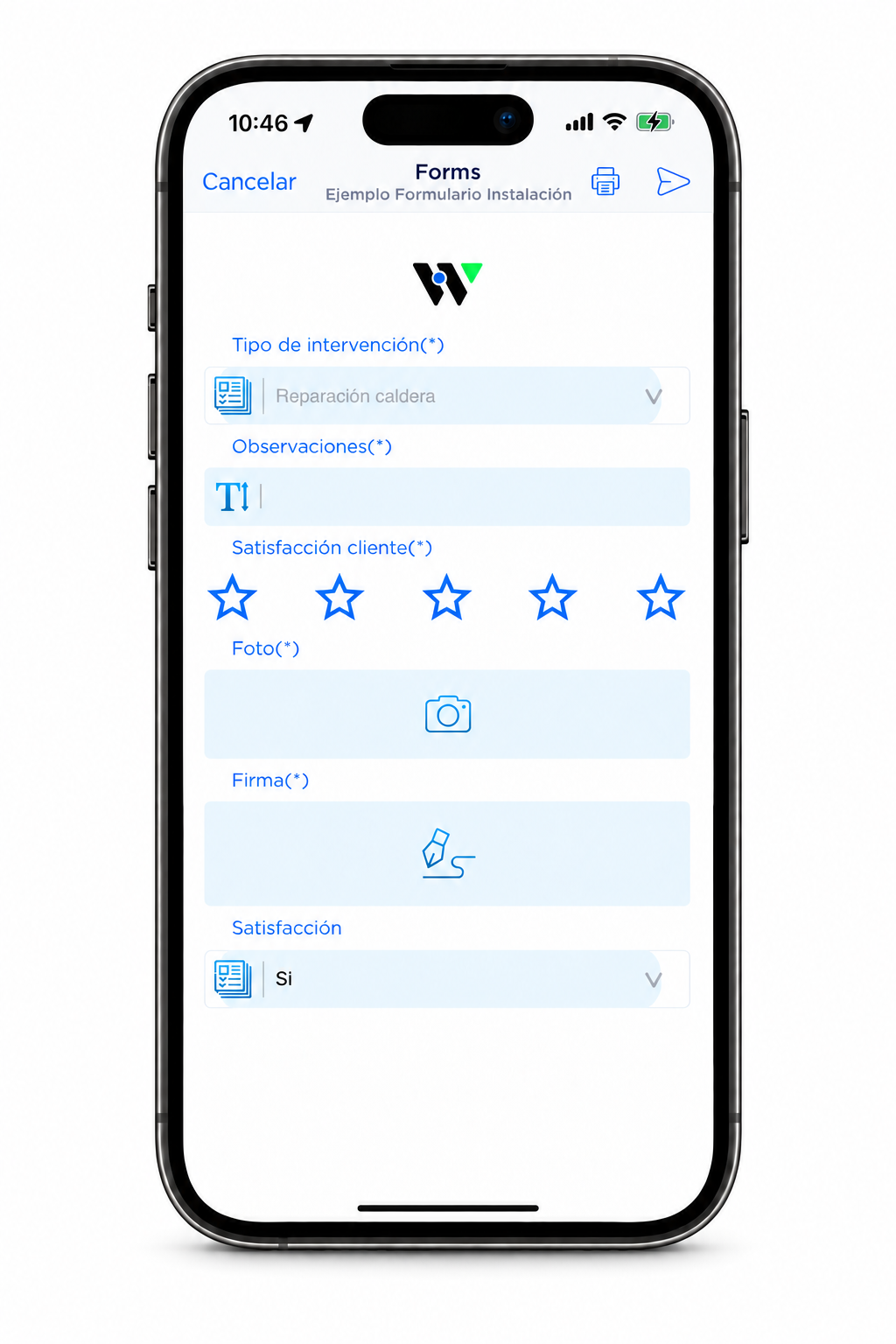
Capture exactly the steps each job requires.
Photos and the customer’s signature stay linked to the job.
Everything stays linked to the relevant service.
Sectors
Measurements, photos, installation, finishing, hours and customer signature.
Installations, repairs, inspections, equipment and issues.
Technical visits, photovoltaic installations and maintenance.
Call-outs, installations, repairs and electrical maintenance.
From the initial call-out until the customer signs off the completed job.
Customisable
Every company works differently: you decide which forms, fields and information the technician must complete.
Results
Photos, work orders, signatures and issues stay linked to the service and available without chasing the team.
Know what is finished, what is pending and who completed each job.
Information reaches the office from the mobile instantly, so you can respond with data when you need it.
Personalised demo
Tell us how your team works and we will show you Working Day Suite applied to your operation, not a generic demo.